WooCommerce product image SEO
How to optimise WooCommerce product images for SEO
WooCommerce product image optimisation starts with clear product visuals, useful metadata, and a workflow that lets you review changes before publishing.
Why product image SEO matters
Product images help shoppers understand size, colour, material, compatibility, and quality before they read the full description. Search engines also use image metadata, surrounding product data, page context, and accessibility signals to understand what each image represents.
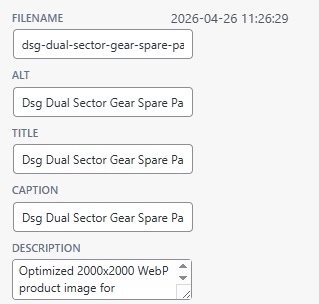
Use descriptive filenames
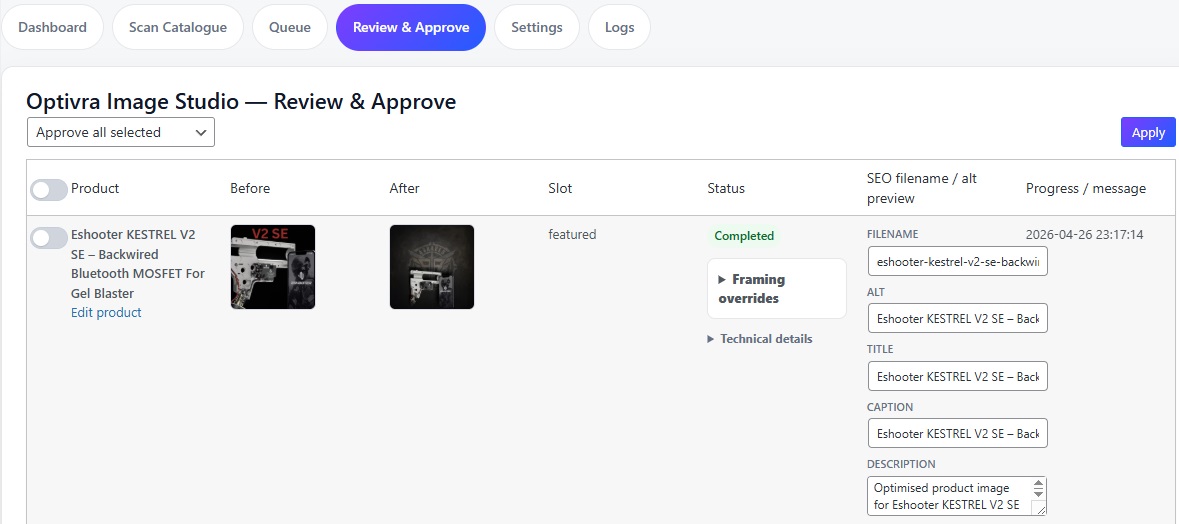
Replace camera exports and editing-app filenames with short, product-aware names. A poor filename is photoroom-20251212-154642-scaled.webp. A better filename is hi-capa-holster-gel-blaster-accessory.webp.
Write helpful alt text
Good alt text describes the product naturally. For example: Hi Capa holster for gel blaster pistols shown as a black tactical sidearm accessory.
Keep backgrounds and dimensions consistent
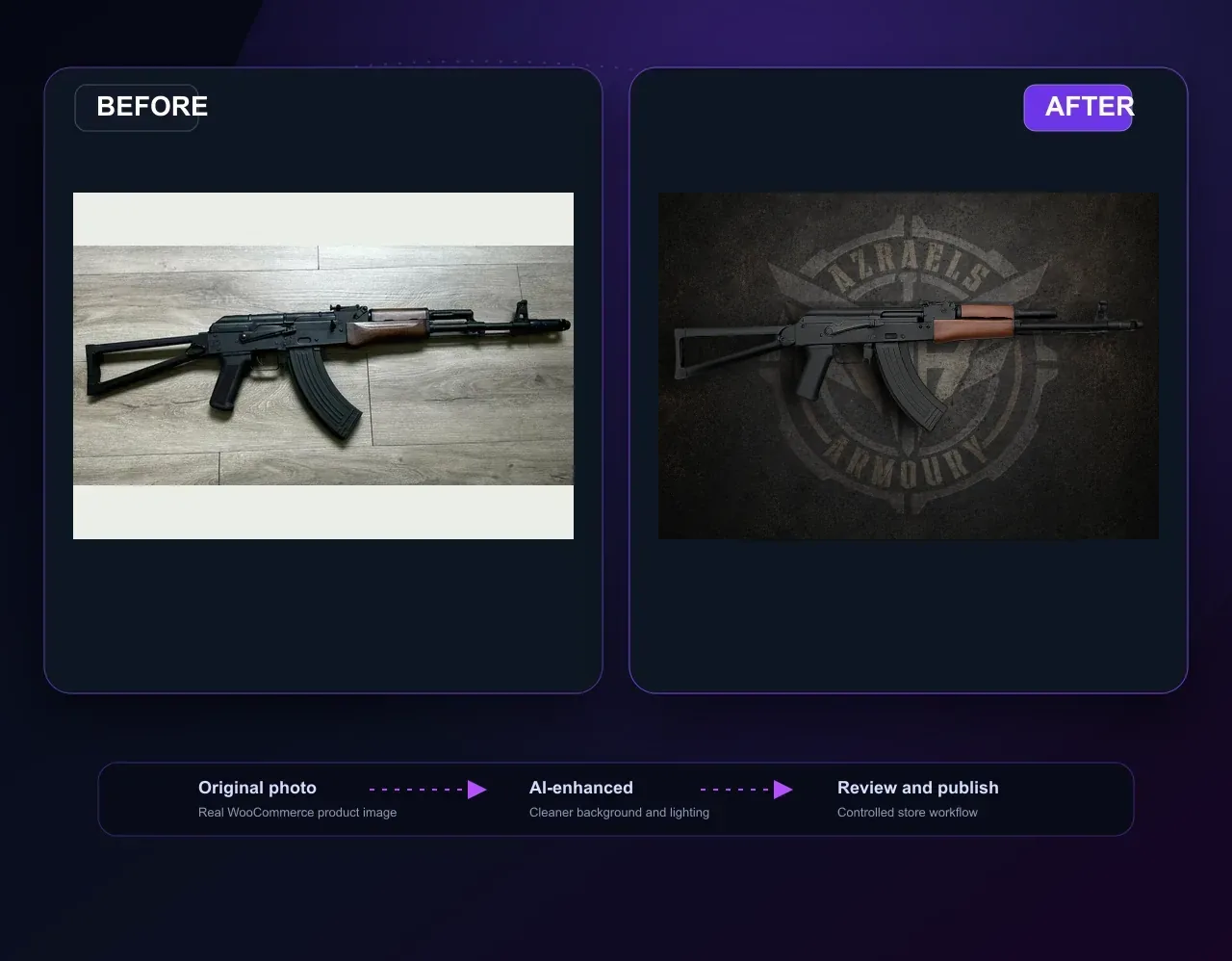
Consistent backgrounds, framing, and image dimensions make product grids easier to scan. Use compression and modern image formats without losing important product detail.
Create a review workflow
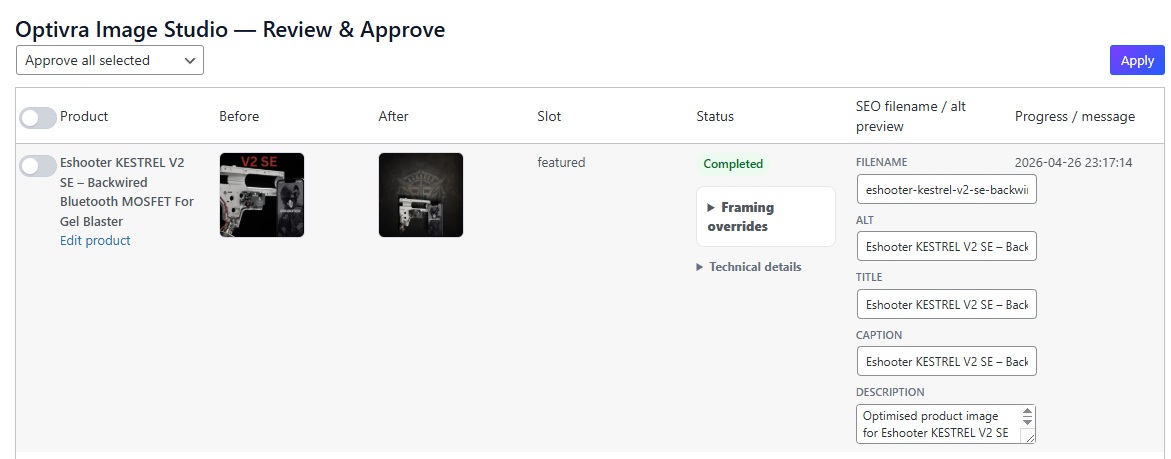
Before updating WooCommerce media, compare the original and processed image, review SEO metadata, and approve only the images that are ready for your store.
Improve your catalogue workflow
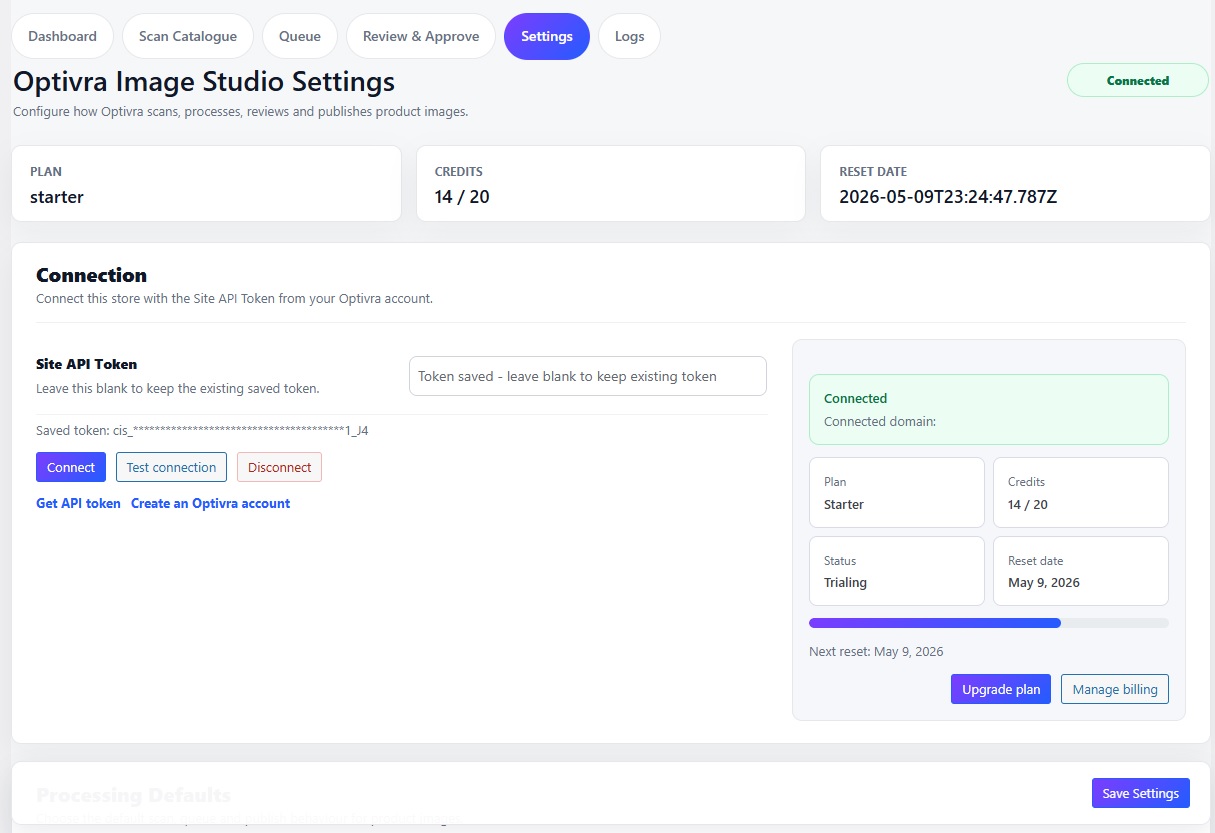
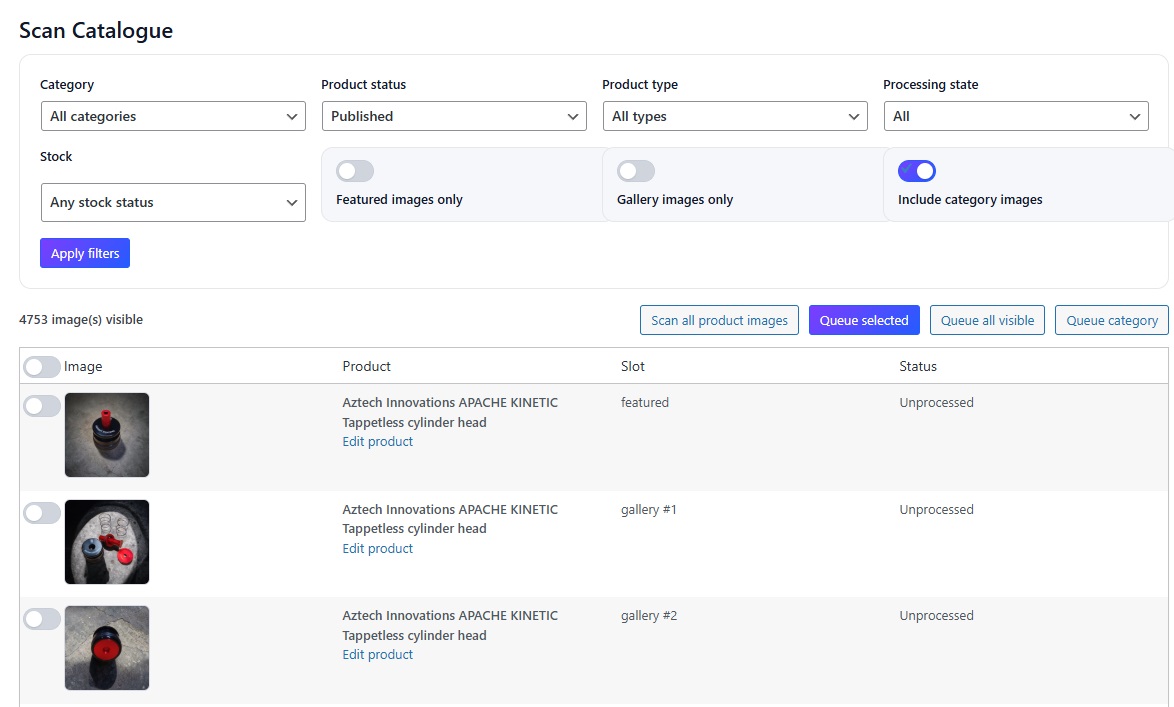
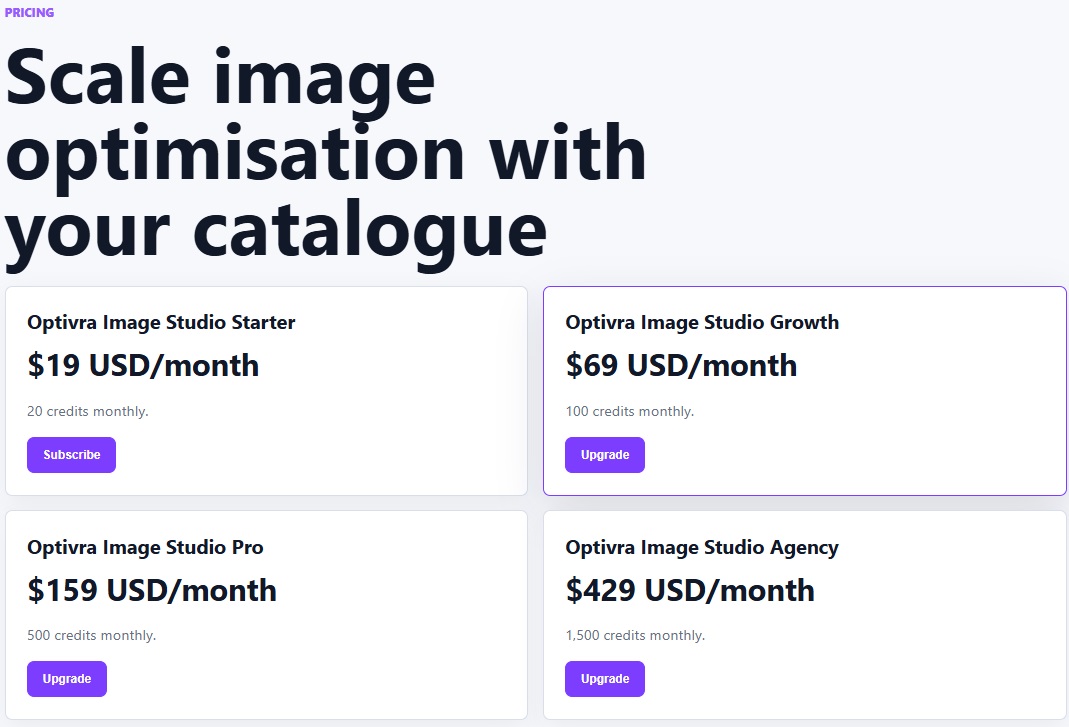
Optivra Image Studio helps scan WooCommerce product images, process selected images, review results, and apply SEO-friendly metadata.
Download Optivra Image Studio for WooCommerce